

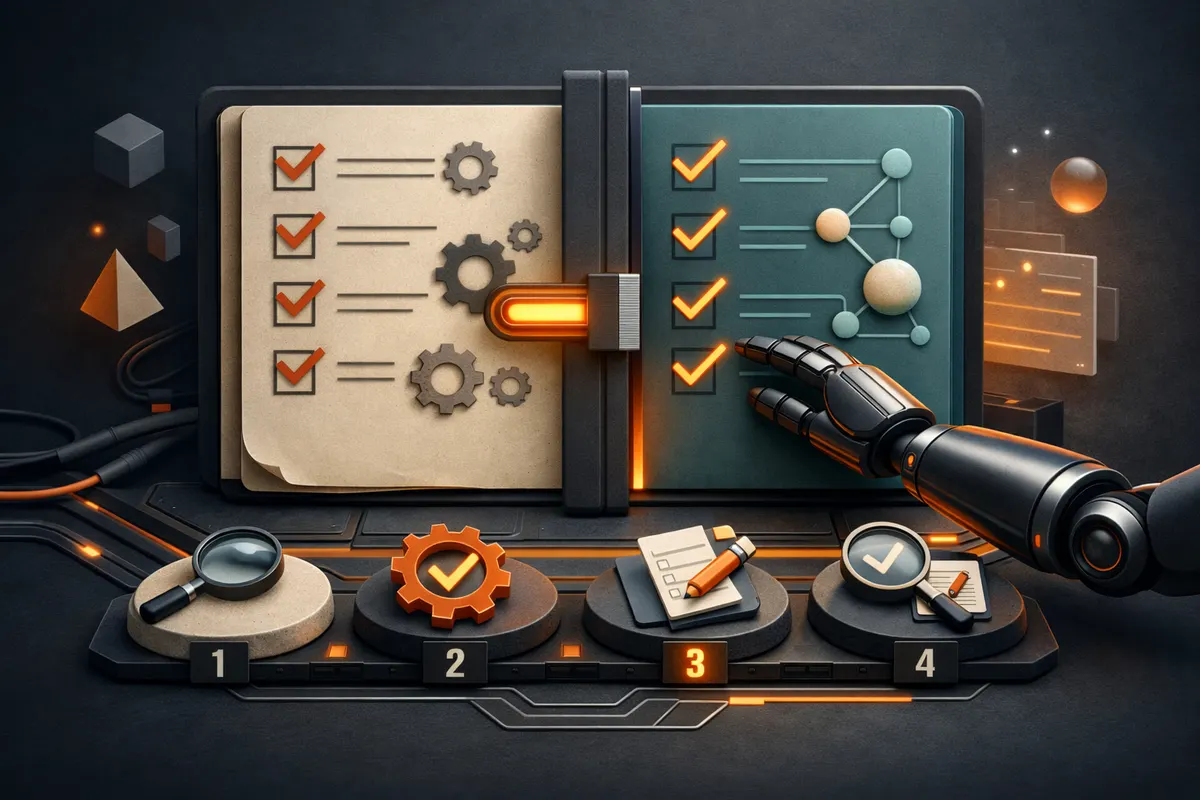
Switched to Astra? Update Your Codex Instructions in Four Steps
Four steps and ready-to-use prompts for Codex: find outdated rules, agree on the changes, apply them, and verify the result. Save this and repeat it in your own project.
After switching models, it's worth reviewing AGENTS.md and your skills — the project rules and capabilities that Codex relies on. These files may still contain requirements that were only necessary for the previous model.
Eric Provencher covers this in his piece on skills and prompts for Astra. Below is a step-by-step sequence of prompts you can use to run this kind of review on your own project.
Save this post so you can open it alongside Codex and work through all four steps.
Open your project in Codex. Send the prompts one after another within a single task.
1. Find rules worth reconsidering
Read this project's current instructions and the descriptions of its related skills. Identify up to five rules that contradict each other, require unnecessary steps, or leave the definition of "task complete" unclear. For each one, show the file, the exact quote, an example task where the problem shows up, and a proposed replacement. Separately flag anything that can't be resolved without my input. If there are no compelling issues, say so. Don't change anything yet.
Look closely at the examples. If Codex suggests removing a check, ask it to explain how the result will be verified afterward. Don't mistake a shorter instruction for a better one.
2. Choose which changes to make
Plug in the numbers of the suggestions you want to accept:
Prepare changes only for items 1 and 3. For each one, show "before → after" and explain what will change in the agent's behavior. Preserve access restrictions, rules about money, publishing, and data deletion, mandatory project checks, and completion criteria. Don't touch global instructions or files outside this project. Don't write any changes yet.
Make sure the new wording is actually clear to you. For example: instead of "read all documentation before any edit," something like "read the documents needed for the current change."
3. Apply the agreed changes
If the proposed replacements look good:
Apply only the changes shown and agreed upon. Preserve the original content of the modified files so a targeted rollback is possible, without affecting my other changes. Show the final diff and list the changed files. Don't commit or push.
4. Test it on a familiar task
Open a new Codex task in the same project to test how it behaves with the updated instructions. Pick a small task whose outcome you can judge for yourself, and extend the prompt like this:
Complete this task: [your task]. Follow the project's current instructions. At the end, briefly note: what was changed, which checks were performed, and what remains unresolved. Don't commit, push, or publish anything.
Evaluate three things: did you get the result you needed, were the mandatory checks actually performed, and did the unnecessary behavior you were trying to fix actually disappear?
If things got worse, go back into the task and roll it back:
Revert only the change to [file and rule] made in this task. Use the saved original and keep all other changes intact. If the file was edited afterward and a targeted rollback is ambiguous, show the conflict first.
The result is a handful of clear, tested changes to your instructions. If Codex didn't find any compelling issues, just leave things as they are.
This kind of review is worth doing whenever agent instructions have already become part of your workflow and you're moving to a new model.