

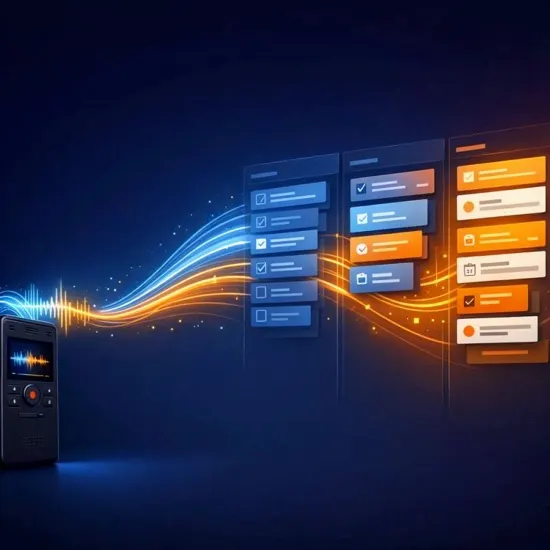
Until recently, getting a Plaud recording into your actual workflow meant routing it through a separate sync pipeline and a handful of unofficial workarounds. Now that Plaud has shipped an official MCP (Model Context Protocol) server, a conversation can be connected directly to ChatGPT, Codex, and other AI clients.
The interesting part of this case isn't "one more integration button." The real shift is that a meeting, a consulting call, or a voice memo no longer has to sit in its own isolated archive. An AI agent can locate the recording, read the transcript and summary, assemble a brief, pull out the decisions that were made, and start turning the conversation into actual, structured work.
Plaud MCP + OAuth gives an authorized AI client official access to recordings, transcripts, and summaries. That's the entry point. From there, the conversation becomes a brief instead of a manual post-meeting note — raw voice material turns straight into working context. On top of that sits a pipeline: Codex handles the task, Notion serves as long-term memory, and Linear keeps the execution queue moving.
A shift in what the conversation actually is
Before MCP, a conversation was a source of data. After MCP, it becomes a source of action.
An earlier Plaud case solved a different problem: how to reliably sync transcripts into Notion when there was no proper official path for it. This new case picks up where Plaud opened an official MCP layer for AI clients to plug into.
The old pipeline was about stable importing. Plaud recordings were pushed into a separate conveyor where you had to sort out formats, duplicates, Notion's data structure, and sync state. That solved the archive-and-knowledge-base problem.
The new pipeline operates much closer to the moment the conversation happens. An AI client pulls the recording through Plaud MCP and can immediately use it as context for a brief, a project plan, a task list, hypothesis testing, or a first technical review — no intermediate archive step required.
Connecting the pieces
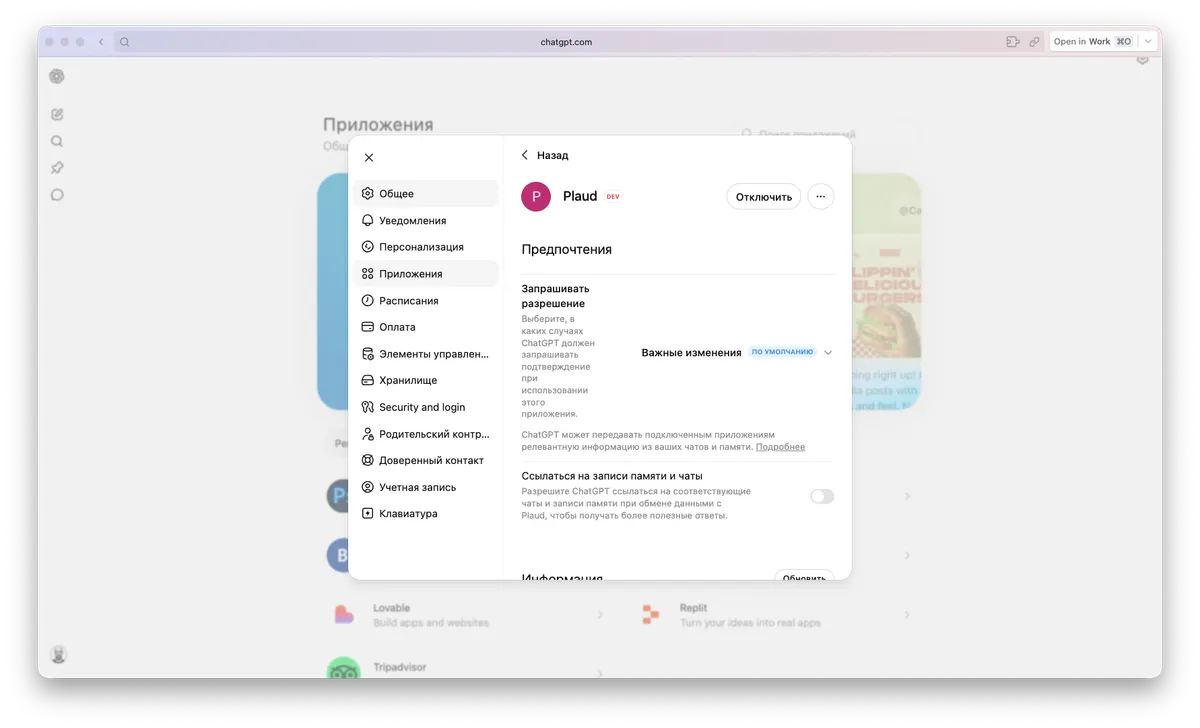
The same source recording can be handed to different AI clients depending on what you need done. The write-up describes two practical setups. ChatGPT connects to Plaud as a remote MCP connector via OAuth. Codex Desktop can spin up a local MCP server through the CLI. In both cases, the conversation stops being a file you have to manually paste into a prompt.
ChatGPT reaches Plaud through a remote MCP connection: you point it at the Plaud MCP endpoint and go through OAuth authorization. After that, the AI client can query recordings as an external context source.
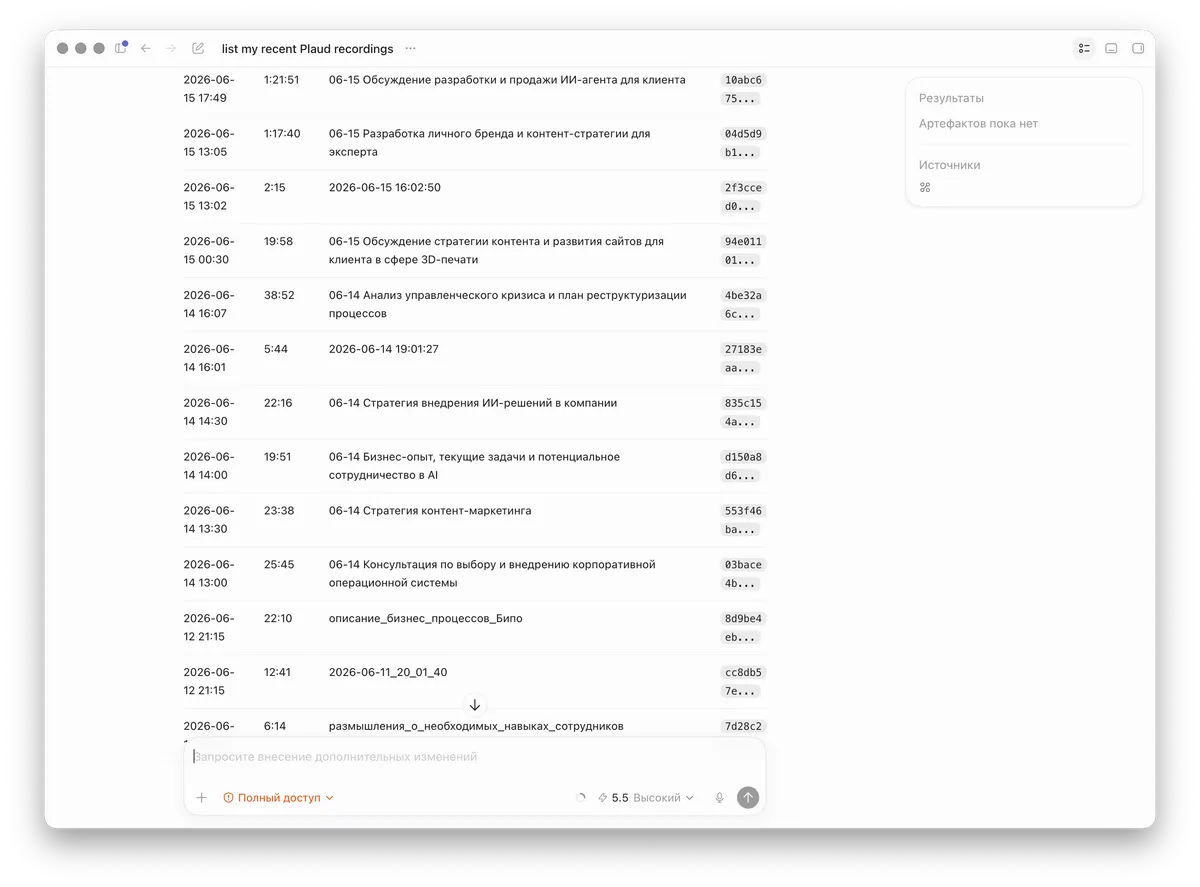
Codex connects through a local MCP server. For Codex Desktop, the official @plaud-ai/mcp package gives the agent access to search recordings, pull transcripts, read summaries, and inspect file details — all from inside the working chat.
From consultation call to project package
The most useful scenario here isn't an agent producing a polished recap of a call. It's when the agent extracts a working structure from the recording and helps move from what was said to what happens next.
Here's how it plays out: a call or consultation is recorded in Plaud, which generates a transcript and an AI-produced summary. Codex, through Plaud MCP, finds the right recording by time, title, or meaning. The agent separates facts from hypotheses, and pulls out goals, constraints, roles, risks, and open questions. From that conversation, it assembles a brief, a project plan, or a work package that can go straight into Notion, into Linear, or directly into Codex for execution.
How the roles split across the stack
A good pipeline doesn't try to turn one tool into everything. Plaud, MCP, Codex, Notion, and Linear each keep a distinct role.
Plaud is the primary voice source — this is where the recording, transcript, and summary originate. It's a sensitive data source, not just a convenient file.
MCP is the official bridge. Instead of manually copying text or relying on a gray-area API, there's now a clear, sanctioned way to give an AI client access to the Plaud data it needs.
Codex is the execution layer. The agent doesn't just summarize the conversation — it can run a pre-work check, locate the right repository, verify context, and draft the next piece of work.
Notion is long-term memory. This is where the processed meaning lands: the brief, the decision, the note, the client card, or anything else worth keeping.
Linear is the queue and control layer. When a conversation turns into real work, it becomes tasks, definitions of done, guardrails, and status tracking.
And the human stays the owner of the boundaries. Decisions about access, publication, task assignment, and kicking off execution remain with a person — not with the automated integration.
Why this beats a plain integration
The headline benefit is less manual friction between what was said and what gets done. Plaud already had value as a smart voice recorder with transcription. MCP adds another layer: the conversation becomes accessible to whichever agent is capable of turning it into working context, rather than just storing the text.
There's no need to manually paste a transcript into a prompt anymore — the agent finds the right recording itself and pulls the transcript or summary from it, which cuts down the chances of losing detail between the meeting and the task.
Unofficial sync pipelines stop being the only bridge available. A gray-area conveyor is still useful as an archival layer, but for live, active work you can now rely on official MCP access instead.
Notion isn't replaced — it gets a cleaner input. What lands in Notion is already meaningful structure: briefs, decisions, next actions, and context, rather than a raw stream of transcriptions.
Codex gets a source, not a recap. When the agent reads the original recording through MCP, it can more precisely distinguish agreements, doubts, tasks, and spots that need clarification.
Access control matters here more than usual
This is not something to hook up like a toy button. Plaud often stores personal, client, commercial, and internal conversations, so this case matters not just as a productivity boost but as a reminder: an MCP integration grants real access to a sensitive archive.
Only connect AI clients you actually trust. If a client or environment doesn't inspire confidence, don't give it access to your conversation archive just to experiment.
Know which account is authorized. OAuth makes the connection convenient, but it's exactly the mechanism through which a client gets access to Plaud data — treat that authorization as a deliberate decision, not a formality.
Don't ask the agent to read the entire archive. Keep requests targeted: find a specific recording, parse a specific conversation, assemble a specific work package.
Disconnect integrations you're not using. If an MCP client is no longer needed, pull its access. This matters especially for conversations involving personal data or client context.
The takeaway
The conversation stops being an archive and becomes the first step of execution. The core result is qualitative: there's now less manual work standing between "I said this out loud" and "this became an actual project pipeline." A Plaud recording can serve as the source for a brief, a project plan, tasks, context verification, and a clean Codex kickoff.
Context no longer gets lost after the meeting ends. What used to sit untouched in an audio archive can now be quickly turned into structure that both humans and agents can work with.
Work starts closer to the source. Codex can begin from the original recording rather than from someone's memory of it, which makes the first work package noticeably more accurate.
The earlier Plaud–Notion pipeline gets a natural extension. Archive syncing and MCP access solve different problems — one preserves the knowledge base, the other helps you act on a fresh conversation right away.
There's now a clear template for any process that starts with voice. If important decisions are being made verbally, they can be wired into a project system without manual copying and without unnecessary complexity.