

A website and a CRM solve different problems. The website helps someone understand your accounting practice and get in touch. The CRM helps the team organise the relationship and the next action. Integration connects those responsibilities so that useful context does not disappear between the two.
Before choosing a connector, define the journey you want to support. A new business asking about accounting services, an existing client requesting help and a learner enquiring about a course may all need different handling.
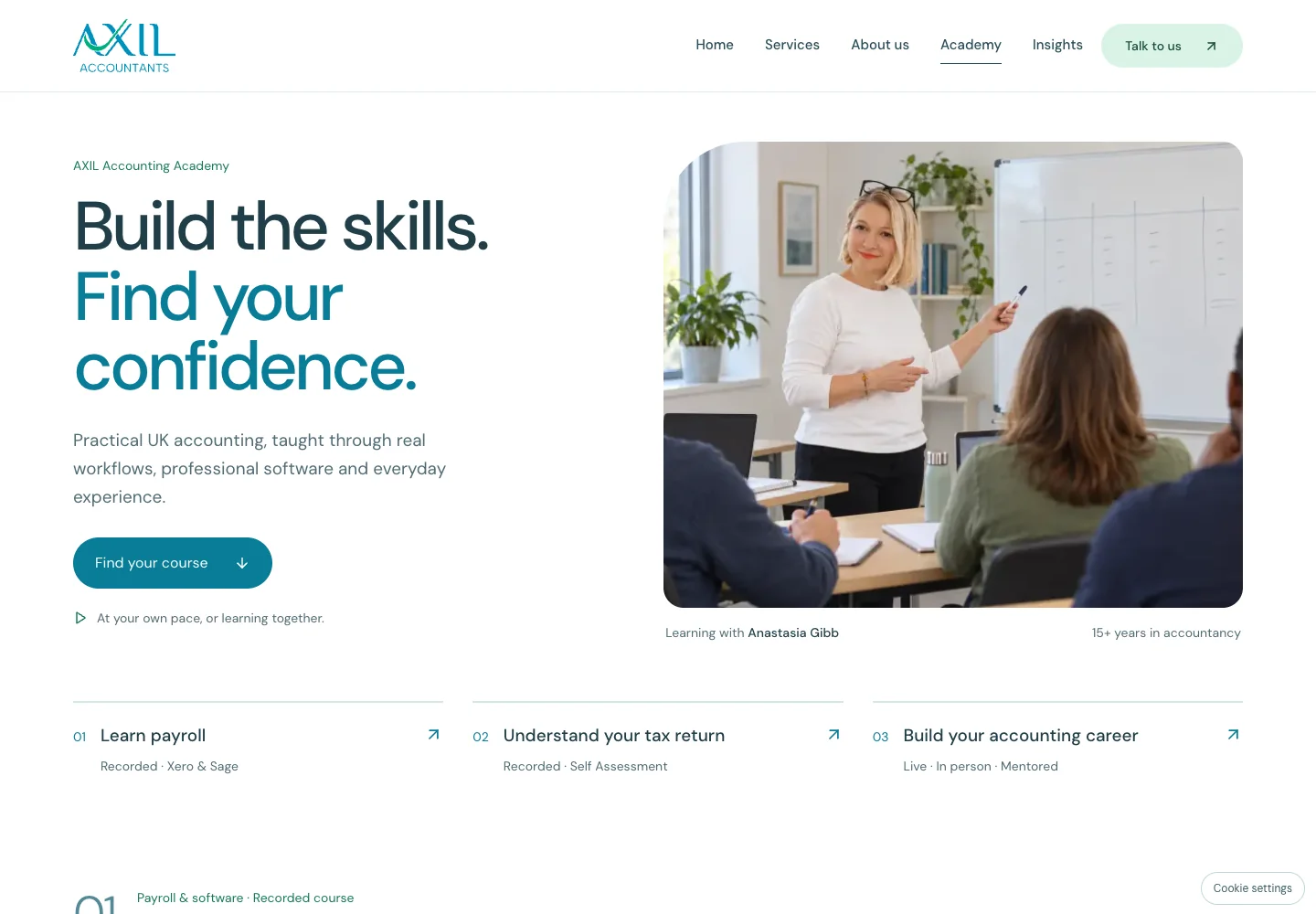
Our Axil Accountants project brings services and an Accounting Academy into one website. It illustrates why the public customer journey deserves as much attention as the software behind it. The following planning framework helps an accounting firm define the workflow for its own website and tools.
Start with the next action, not a software brand
Write down what should happen when a prospective client contacts the practice. Who owns the enquiry? What do they need to know? How will they record a response? What happens if they are away?
A useful initial workflow is: receive an enquiry, create or match a contact, assign responsibility and record the next action. More complicated automation can follow once this path is reliable.
The practice management system may already contain some of these capabilities. Establish where the authoritative contact record belongs before adding a separate CRM or duplicating records between tools.
Capture enough context to respond well
A contact form should ask for information that changes the response. Name, business contact details, the service of interest and a short description may be enough for the first conversation. A course enquiry may also need the selected course and support package.
Avoid collecting detailed financial documents through a generic marketing form. If sensitive documents are needed later, use the practice's agreed document collection process with appropriate access controls.
Where permitted by the site's consent settings, campaign source information can help explain how an enquiry arrived. Keep that information attached to the enquiry rather than placing names, email addresses or message contents in analytics events.
| Information | Why it is useful |
|---|---|
| Service or course selected | Helps the team route the conversation |
| Contact and organisation | Connects the enquiry to the right relationship |
| Source and landing page | Provides marketing context where available |
| Owner and next action | Makes follow-up responsibility visible |
| Status and timestamps | Shows progress and time spent at each stage |
Choose an integration method that fits the tools
There are three common building blocks. An API lets an integration read or update records. A webhook reports an event, such as a submitted form. A connector handles an established integration between two products. Workflow tools can coordinate these steps when several systems are involved.
Check what the selected products actually expose. Availability can depend on a subscription tier, permissions or rate limits. The appropriate integration might be a standard connector, a custom API connection or a small workflow combining both.
Document the mapping in business language: which website field becomes which CRM field, what creates a new record and what updates an existing one. Decide whether multiple enquiries from the same person should create separate opportunities while sharing a contact record.
Make failures visible and recoverable
An integration is unfinished if it works only when every supplier responds immediately. Agree how an enquiry is retained if the CRM is temporarily unavailable, how retries behave and who receives an alert when recovery needs attention.
Retrying the same event should not create duplicate enquiries. A stable event identifier and a record of delivery attempts help distinguish a retry from a genuinely new request. Notifications are useful, but an email alert should not be the only record that an enquiry exists.
Test the situations your team will actually encounter: a repeated submission, an existing client, a missing optional field and an unavailable destination. The aim is a process a colleague can understand and recover.
Measure meaningful stages
Start with a small set of distinct events. A service page view shows interest. A click on an email or WhatsApp link shows intent to contact. A successfully received enquiry confirms that the team has something to act on. A qualified opportunity and a new engagement are later business outcomes.
Do not report those stages as interchangeable. A website cannot infer a completed conversation from a click, and a CRM record does not necessarily represent a paying client.
Useful dashboard questions include: which services receive enquiries, which sources bring qualified conversations, how long the first response takes and where follow-up stalls. Define each measure, its data source and any missing information so that people understand what the chart represents.
Keep the website and the team in agreement
The wording beside a contact button should match the operational process. If a staff member confirms availability or course access, say so. If appointments are booked automatically, show the confirmed booking only after the booking system returns success.
That principle also applies when the site uses email and WhatsApp instead of a form. The integration design should start with those real contact routes. A future form, scheduler or client portal can be added as a separate, clearly defined step.
A practical starting brief
Before commissioning the work, identify the contact routes on your website, the destination system, the person responsible for enquiries, the data needed for follow-up and the business outcomes you want to measure. Include the exception cases as well as the ideal path.
This gives a developer enough context to assess feasibility without tying the project to a particular vendor at the outset.
See the Axil case study, explore AImpress integration and website services, or discuss your project. We can assess how your website, CRM and reporting tools should work together.