

A family attraction website sits between the visitor and several parts of the business: marketing, content, ticket sales, group enquiries and customer support. A good brief needs to explain how those parts work together, as well as how the pages should look.
The Shumiland project provides a real example of a visitor website connected with a CMS, ticketing and business integrations. This guide turns that experience into questions a park, museum or family attraction can use when planning its own platform.
Help visitors answer practical questions
The homepage should communicate what the attraction offers and make the next step clear. Visitors also need to find opening information, location, ticket options, accessibility information and guidance for different types of visit.
A family visiting tomorrow and a teacher organising a group trip arrive with different questions. Give group visits and birthday bookings their own content and enquiry routes when those are meaningful parts of the business.
Use actual photographs of the attraction and write descriptions that help people choose. A visually impressive page is useful only if the practical information remains readable on a phone.
Give content updates an owner and a workflow
Opening hours, seasonal programmes, location descriptions and event announcements change regularly. A CMS should allow the responsible team members to update that information within a consistent design.
Define the content types before choosing the page builder. Locations, events, news and ticket descriptions have different fields and lifecycles. Reusable sections can then support campaigns without turning every page into an unrelated layout.
Publishing controls matter too. Decide who can draft an update, who can publish it and how obsolete information is removed or replaced. Include image descriptions and search metadata in the editing workflow so they are maintained alongside the visible content.
Keep ticket prices and payment status authoritative
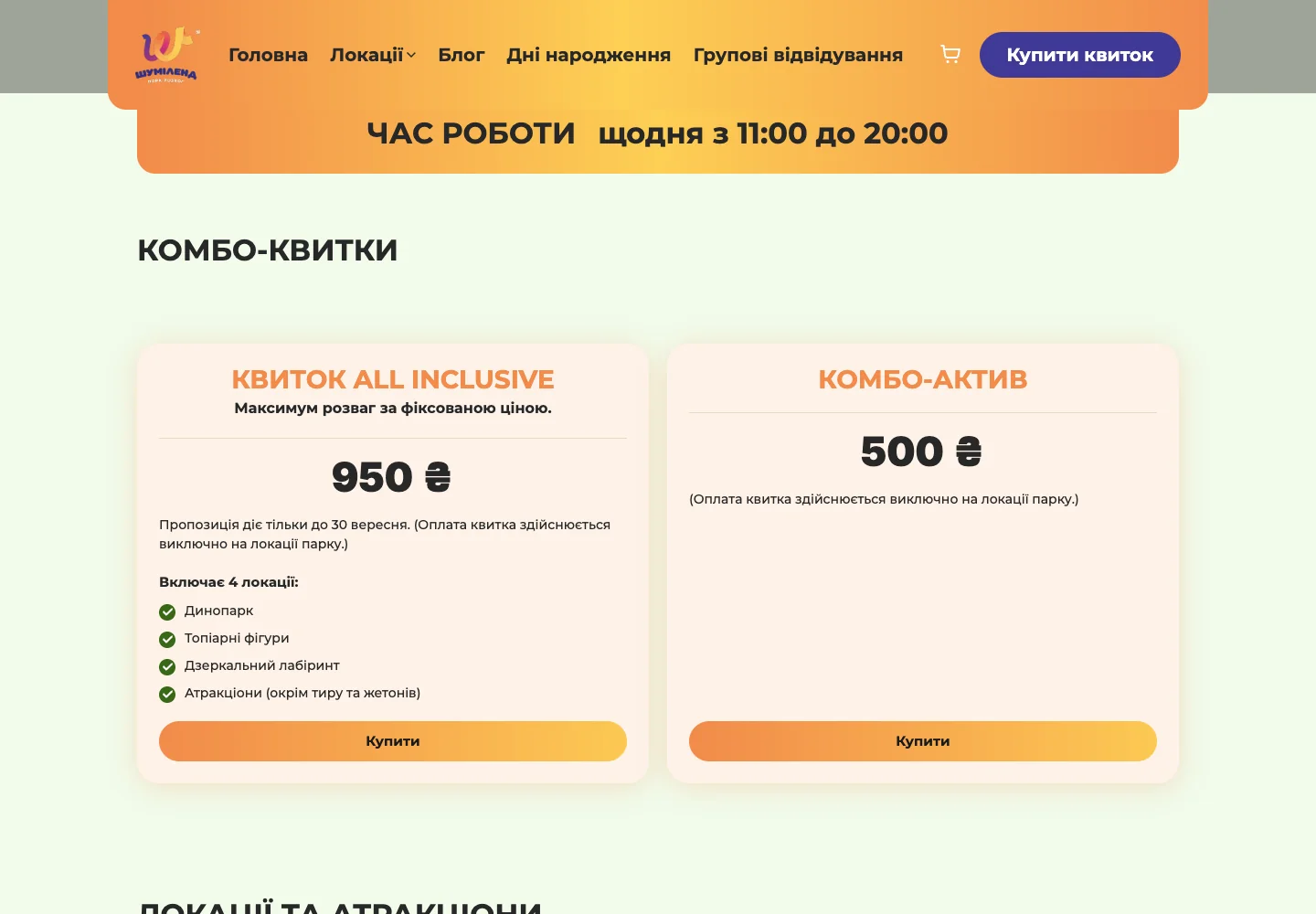
If an external ticketing platform owns prices and availability, establish how the website obtains that information. An API or supported synchronisation process can reduce manual copying between systems.
The website can add visitor-friendly descriptions and organise the options. It should not silently invent a different price or availability model from the system that sells the ticket.
At checkout, distinguish between a visitor opening a payment journey and the payment provider confirming a successful transaction. A dashboard, receipt or confirmation message should use the appropriate status. Design an understandable response for an unavailable ticketing service instead of leaving visitors with an endless loading state.
Make group enquiries usable by the team
A group organiser may need to provide a preferred date, approximate group size and type of visit. Collect information that helps the team respond, and make optional questions visibly optional.
When the website connects to a CRM, map the enquiry to a useful record with an owner and next action. Decide how repeated enquiries from one person are handled and how staff recognise an existing conversation.
Keep a durable record before relying on email or messaging notifications. If a notification supplier is unavailable, the enquiry should still be recoverable. Test retry behaviour so that a temporary error does not create several copies of the same request.
Measure the journey in distinct stages
Choose events that answer business questions. Viewing a location, selecting a ticket, submitting a group enquiry and completing a purchase represent different stages. Recording all of them as a single conversion hides where visitors need help.
| Question | Evidence to use |
|---|---|
| Which pages help visitors explore? | Relevant page views and navigation events |
| Which campaigns bring enquiries? | Campaign context attached to received enquiries, where available |
| Where do visitors leave ticketing? | Defined checkout stages and provider status |
| Are group enquiries being followed up? | CRM ownership, status and timestamps |
| Which activity becomes a booking? | Confirmed outcomes from the responsible business system |
Respect the site's consent settings when collecting analytics. Keep customer names, contact details and free-text messages out of general analytics events. A dashboard can report totals without exposing the underlying personal records to every viewer.
Build dashboards around decisions
A dashboard should help someone decide what to do. A marketing view may show enquiry sources and campaign activity. An operations view may focus on upcoming requests and follow-up status. The same chart does not have to serve every team.
Label what each measure means, the period it covers and how recently the data was updated. If the ticketing provider does not expose a particular outcome, say so rather than inferring it from a website click.
For a first release, a few reliable measures are more useful than a large display of unconnected numbers. Add reporting as the business can explain the decisions each measure supports.
Choose technology around the existing systems
A modern stack can combine a React or Next.js interface, a structured CMS, a database and integrations through APIs, webhooks or established connectors. The specific combination should fit the attraction's editing needs, visitor journeys and operational tools.
Before implementation, confirm the integration interfaces available from the ticketing, CRM and communication suppliers. Agree which system owns each record, what happens during an outage and how the team will monitor the connection.
Testing should include mobile ticket selection, keyboard navigation, missing information, repeated submissions and unavailable external services. The business also needs named responsibilities for publishing, enquiries and recovery.
Turn the checklist into a project brief
Start with the most common visitor journeys, the content your team changes, the systems already in use and the outcomes you need to measure. That brief makes it possible to plan the website and its integrations together.
See how these capabilities come together in the Shumiland case study, explore our client projects, or review AImpress website and integration services.
Ready to plan your attraction's website? Discuss your project.